
Accessing the Page Builder
Static pages refers to pages that do not display content from another source. All static pages within your site are built using the Beaver Builder page builder tool. This enables you to easily create, edit and manage your site content. See instructions below on how-to access the page builder editor.
→ From the Pages List
Mouse over a page in the Pages > All Pages list, then click the Beaver Builder link.

→ From the WordPress Block Editor
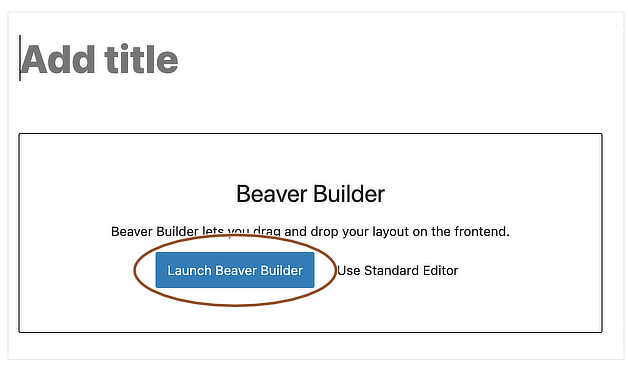
When you create a page or open an existing page in the WordPress block editor, you’ll see the choice of Launch Beaver Builder or Use Standard Editor, as shown in the following screenshot. *Do not click Standard Editor as this will remove all of the page styling that has been created through Beaver Builder.
→ From the Admin Bar
If you’re viewing a page on the front-end of your site while logged in, the WordPress admin bar will appear across the top of the site. You can click the Beaver Builder link to edit the page you’re viewing.
