Forms
Last Update: 2 December 2025All Forms and form entries are managed through the Fluent Forms Pro section of your dashboard. See instructions below on how to add/manage your job listings.
Accessing the Forms:
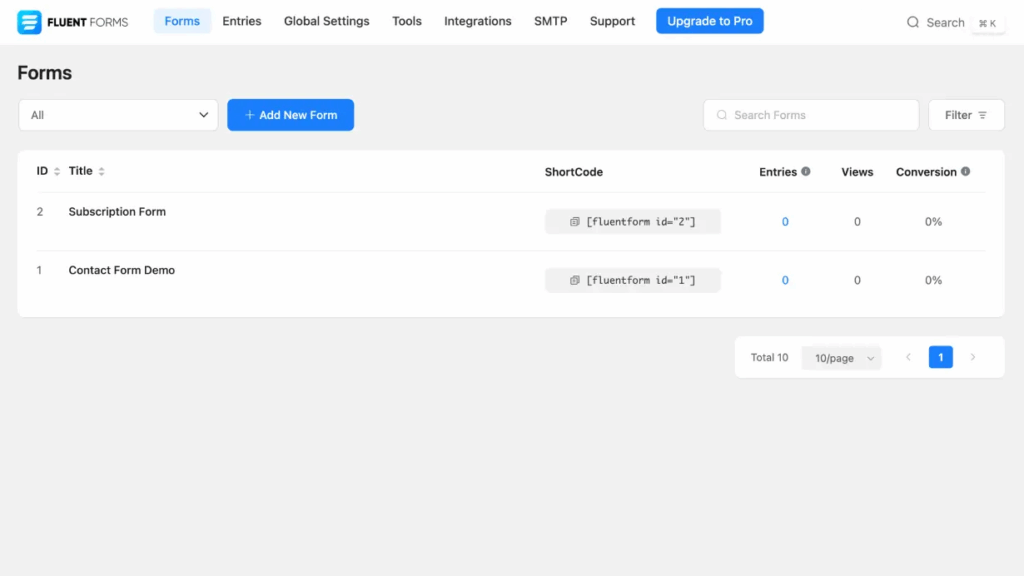
From the dashboard, click Fluent Forms Pro and you will see a list of all forms on your site. The list includes the number of entries, views and conversion of each form. You can also search any form or filter by date range or form type.
Edit an Existing Form:
Click the Title of the form you wish to manage to add/edit/remove and/or re-order form fields.

Manage Form Settings & Notifications:
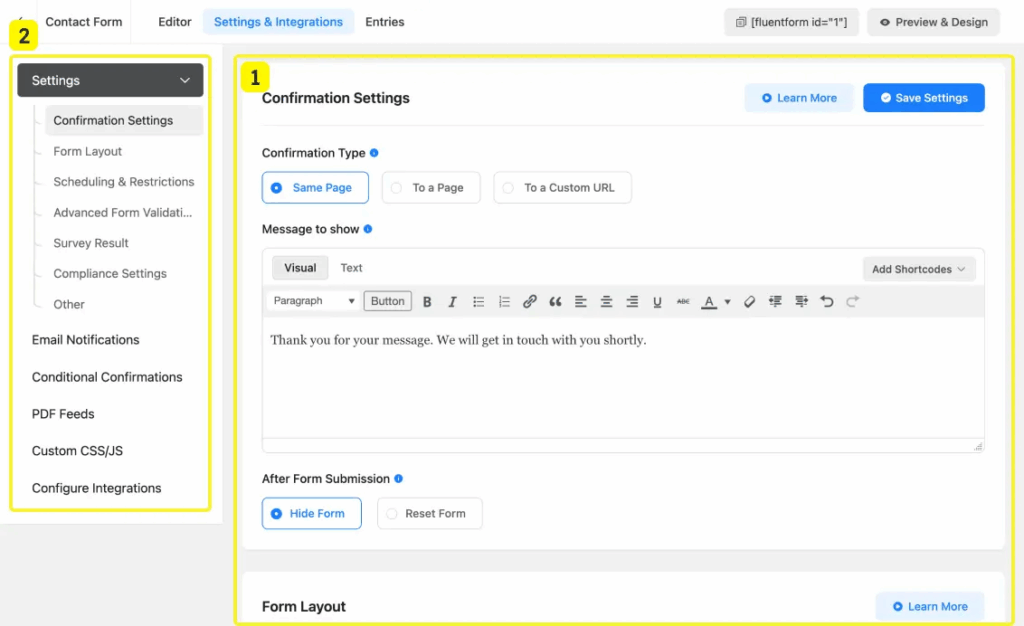
Click the Settings & Integrations tab at the top of the form editor. Here you can tweak different form-specific settings including the “Thank You” Message and Form Notification sending settings.
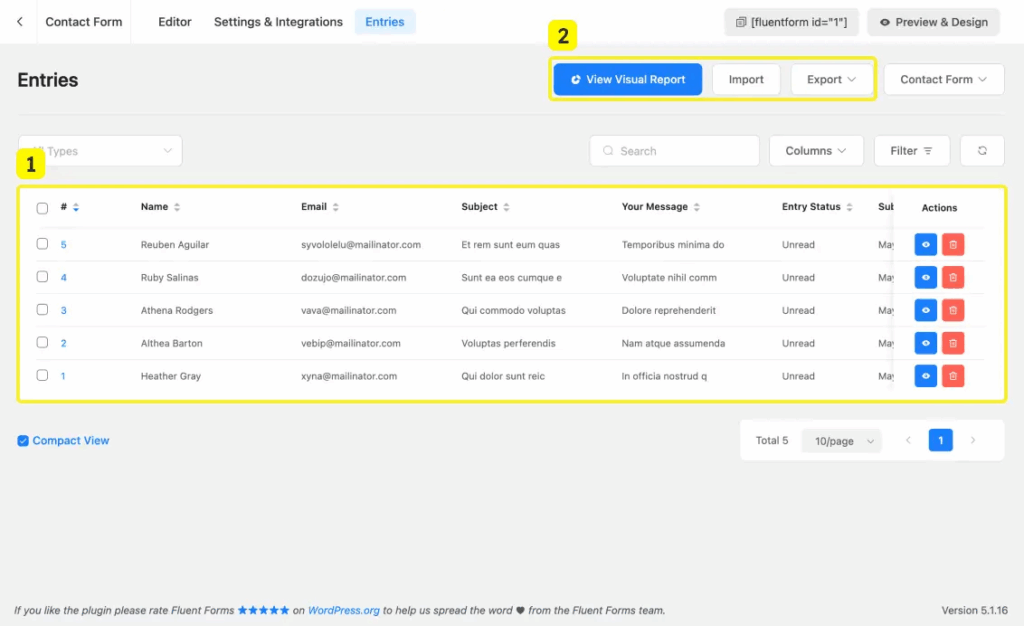
View & Manage Form Entries:
Click the Entries tab at the top of the form editor. This will show a tabular view of the submitted entries and provides different data analysis options, including option to import form entries. Click an entry to view specifics, download data, trash the entry, etc.