
Team Members
Last Update: 2 December 2025Your Team Members are setup using a Custom Post Type, (CPT) which includes specific input fields specifically for Team Members. See instructions below on how to access and manage all members from the WordPress Dashboard – information is automatically populated to the page as it’s added or updated.
Add New Team Member:
- From the WordPress Dashboard, click Team Members > Add New
- On the new page you’ll enter the details for that member, including:
- Staff Members Name
- Staff Members Bio
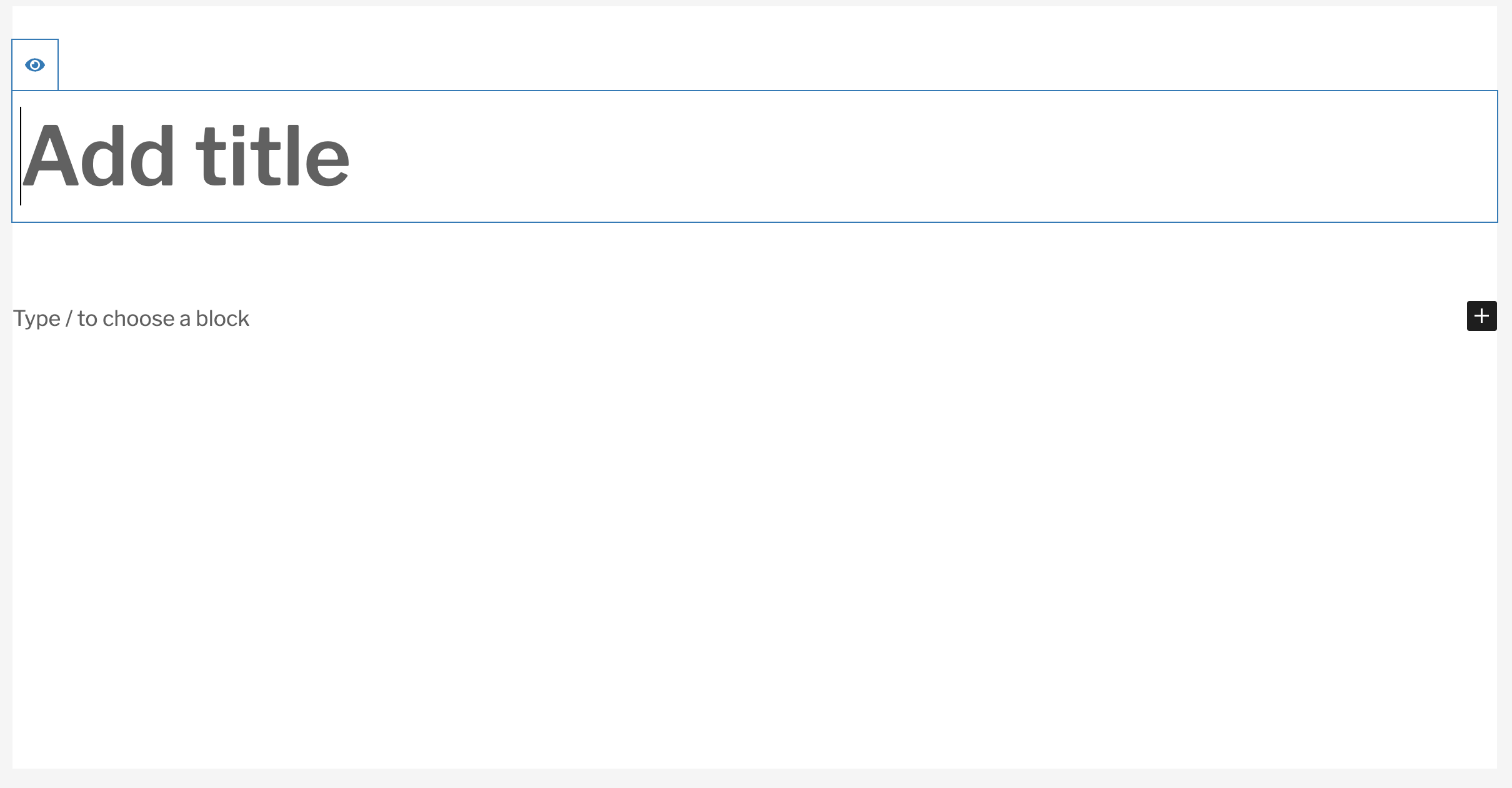
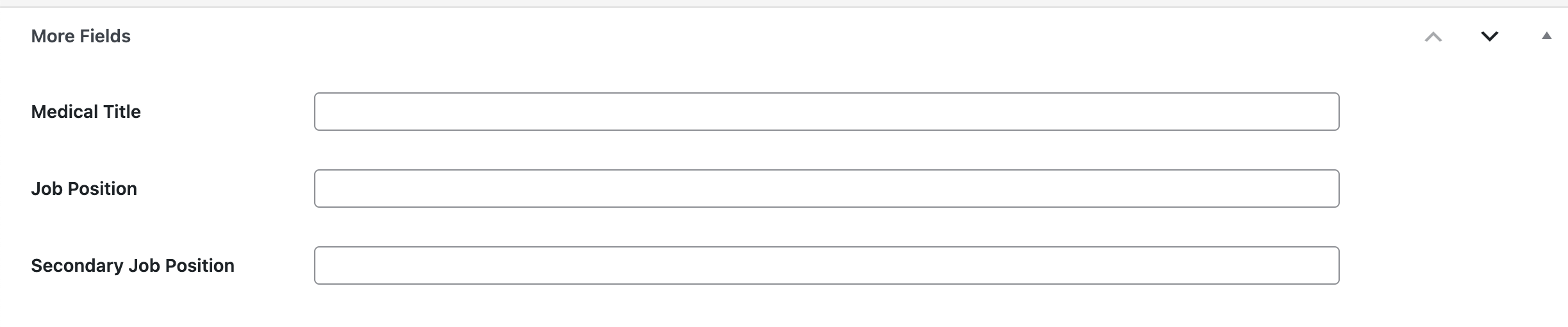
- Then scroll down to the “More Fields” section to input the following (as applicable):
- Medical Title
- Job Position
- Secondary Job Position
- Once all the details are filled in, click “Publish” to save.
Update/Edit a Team Member:
- From the WordPress Dashboard, click Team Members > All Team Members
- Hover your cursor over the team member and click their Name or click “Edit“
- Once the member details load, you can update as needed
- Click “Save” to publish your changes.
Remove a Team Member:
- From the WordPress Dashboard, click Team Members > All Team Members
- Hover your cursor over the team member you wish to remove and click “Trash“.