
Using WordPress
Last Update: 2 December 2025WordPress Dashboard
When you first sign into the WordPress admin dashboard, you’ll see the default screen with widgets such as activity, quick draft, WordPress events and news, and at a glance. This screen gives you a quick overview of all the details for your WordPress website.
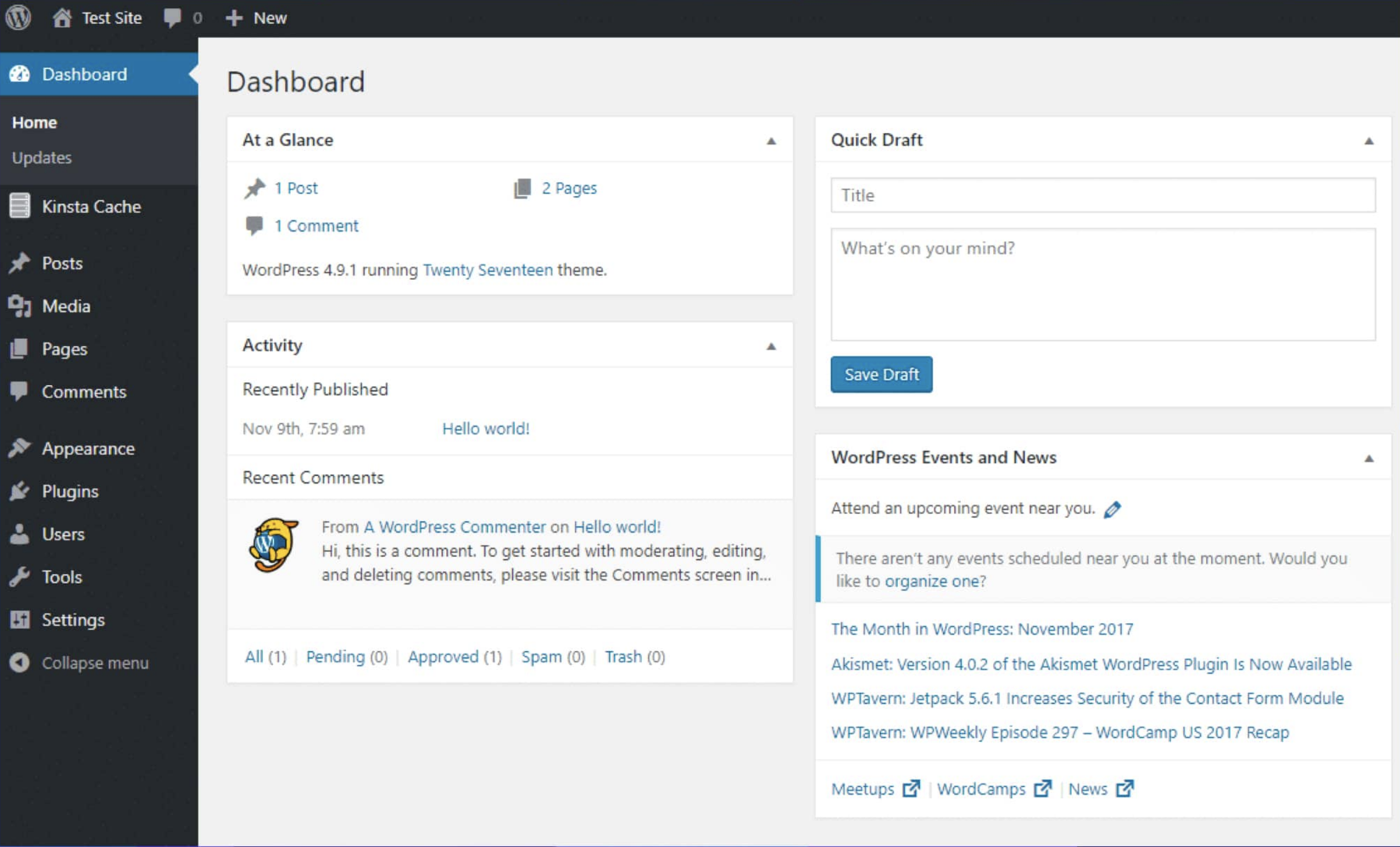
But while the dashboard page is good for a quick overview, you’ll spend most of your time in other areas of the WordPress admin dashboard.
To access those areas, you can use the various menu options in the sidebar. WordPress includes a number of options by default, but many themes and plugins add additional menu items (so you might see something slightly different on your own WordPress site).
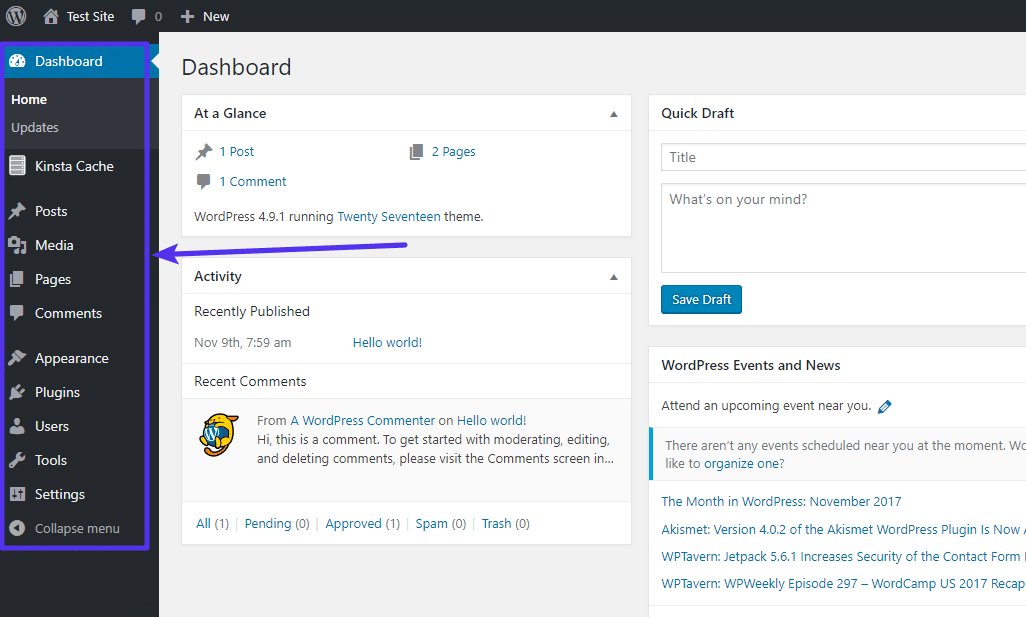
Below are sections you are likely to visit more frequently:
- Media: Manage image
- Pages: Manage pages
- Fluent Forms Pro: Manage forms and form submissions
- Team Members:Update, add or remove team members
- Users: Manage Site User accounts