
Site Identity (Logo + Favicon)
Last Update: 2 December 2025The Customizer allows you to manage global styling and settings for your entire website. This includes your site logo and favicon. See instruction below for editing these elements of your site.
Site Identity
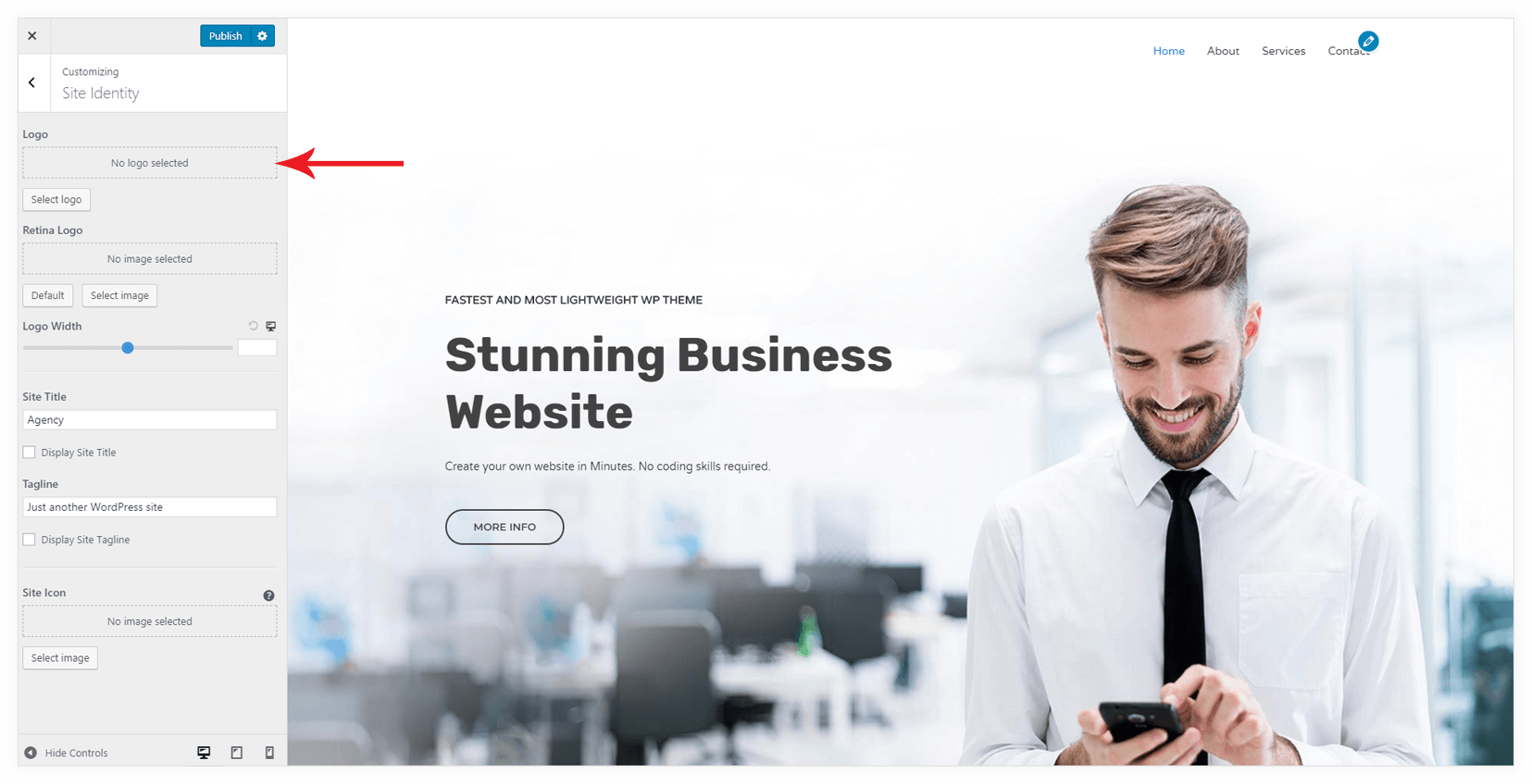
You can set site identities like Logo, Site Title, and Tagline, Site Icon with this setting. You can find the setting under Appearance > Customize > Site Identity.

You can select a logo image from Media Library from logo option.
Site Icon
It’s a small image icon that can be seen in the tab of a web browser, bookmark bars, and within the WordPress mobile apps. You can set it with site icon option.
